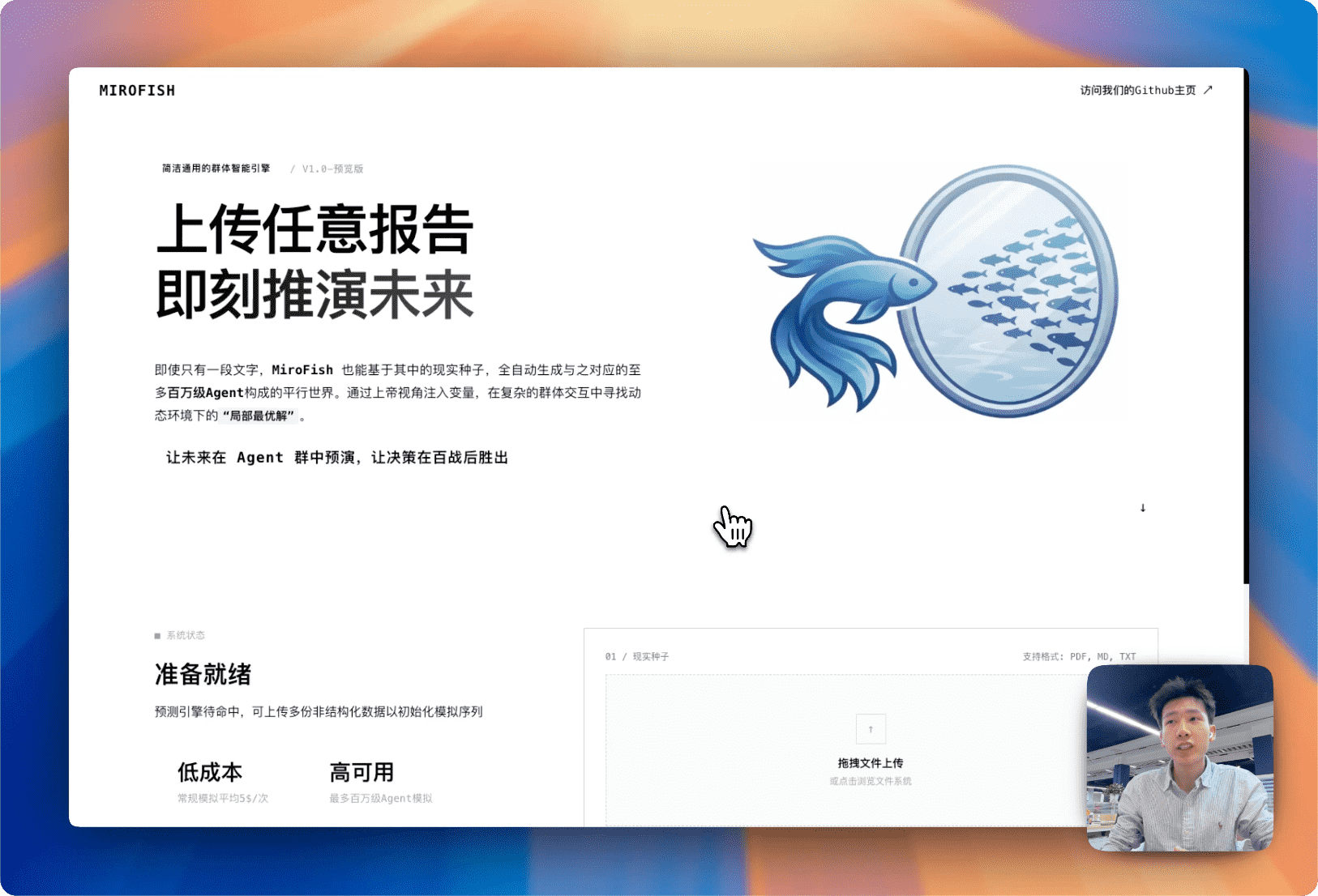
Complete demo video for prediction using BettaFish-generated "Wuhan University Public Opinion Report"
> More demo videos coming soon: "Dream of the Red Chamber" ending simulation, financial prediction examples...
## 🔄 Workflow
1. **Graph Building**: Seed extraction & Individual/collective memory injection & GraphRAG construction
2. **Environment Setup**: Entity relationship extraction & Persona generation & Agent configuration injection
3. **Simulation**: Dual-platform parallel simulation & Auto-parse prediction requirements & Dynamic temporal memory updates
4. **Report Generation**: ReportAgent with rich toolset for deep interaction with post-simulation environment
5. **Deep Interaction**: Chat with any agent in the simulated world & Interact with ReportAgent
## 🚀 Quick Start
### Prerequisites
| Tool | Version | Description | Check Installation |
|------|---------|-------------|-------------------|
| **Node.js** | 18+ | Frontend runtime, includes npm | `node -v` |
| **Python** | 3.11+ | Backend runtime | `python --version` |
| **uv** | Latest | Python package manager | `uv --version` |
### 1. Configure Environment Variables
```bash
# Copy the example configuration file
cp .env.example .env
# Edit the .env file and fill in the required API keys
```
**Required Environment Variables:**
```env
# LLM API Configuration (supports any LLM with OpenAI SDK format)
# Recommended: Alibaba Qwen-plus model via Bailian Platform: https://bailian.console.aliyun.com/
# High consumption, try simulations with fewer than 40 rounds first
LLM_API_KEY=your_api_key
LLM_BASE_URL=https://dashscope.aliyuncs.com/compatible-mode/v1
LLM_MODEL_NAME=qwen-plus
# Zep Cloud Configuration
# Free monthly quota is sufficient for simple usage: https://app.getzep.com/
ZEP_API_KEY=your_zep_api_key
```
### 2. Install Dependencies
```bash
# One-click installation of all dependencies (root + frontend + backend)
npm run setup:all
```
Or install step by step:
```bash
# Install Node dependencies (root + frontend)
npm run setup
# Install Python dependencies (auto-creates virtual environment)
npm run setup:backend
```
### 3. Start Services
```bash
# Start both frontend and backend (run from project root)
npm run dev
```
**Service URLs:**
- Frontend: `http://localhost:3000`
- Backend API: `http://localhost:5001`
**Start Individually:**
```bash
npm run backend # Start backend only
npm run frontend # Start frontend only
```
## 📄 Acknowledgments
MiroFish's core simulation engine is powered by **[OASIS (Open Agent Social Interaction Simulations)](https://github.com/camel-ai/oasis)**. OASIS is a high-performance social media simulation framework developed by the [CAMEL-AI](https://github.com/camel-ai) team, supporting million-scale agent interaction simulations, providing a solid technical foundation for MiroFish's swarm intelligence emergence. We sincerely thank the CAMEL-AI team for their open-source contributions! 简洁通用的群体智能引擎,预测万物
A Simple and Universal Swarm Intelligence Engine, Predicting Anything
[English](./README-EN.md) | [中文文档](./README.md)
简洁通用的群体智能引擎,预测万物
A Simple and Universal Swarm Intelligence Engine, Predicting Anything
[English](./README-EN.md) | [中文文档](./README.md)